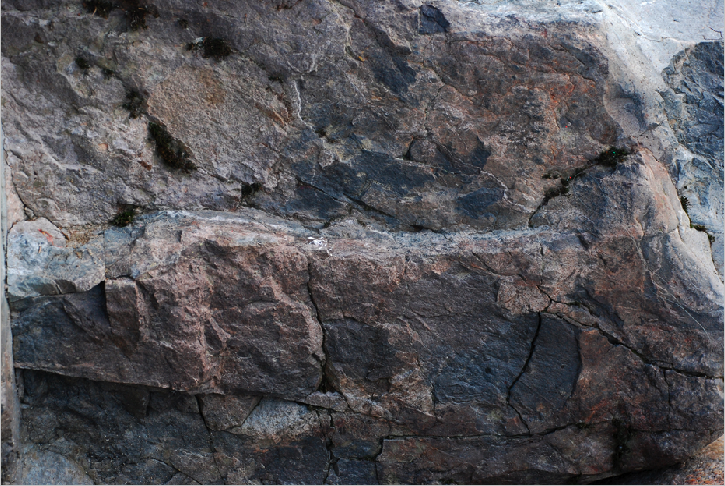
When we are designing a layout, sometimes it can be difficult and time consuming to find multiple images for a layout that will work together and create a sense of unity to our design. There are so many resources available, such as the stock photography web sites, or...

Crop One Large Photo Creatively to Create Multiple photos for a Design
read more