
by jamesgeorge | Jul 21, 2010 | Articles, Illustrator, Photoshop, Tutorials, Typography
Opacity has a lot of uses for different types of effects. We like to see certain things bleed through in some areas, while in others we want a shape or text to be a certain color. Recently, I was playing around with opacity in the appearance panel in Illustrator, and...

by jamesgeorge | Jul 19, 2010 | Articles, Illustrator, Tutorials
Appearance Panel in Illustrator This is extremely handy when working in Illustrator. This effect can be placed on objects and text, and on clipping paths. You can arrange the stacking order and the size, as well as the colors. One great advantage is that you can add...
by jamesgeorge | Jul 18, 2010 | Articles, Dreamweaver, Tutorials, Web Design
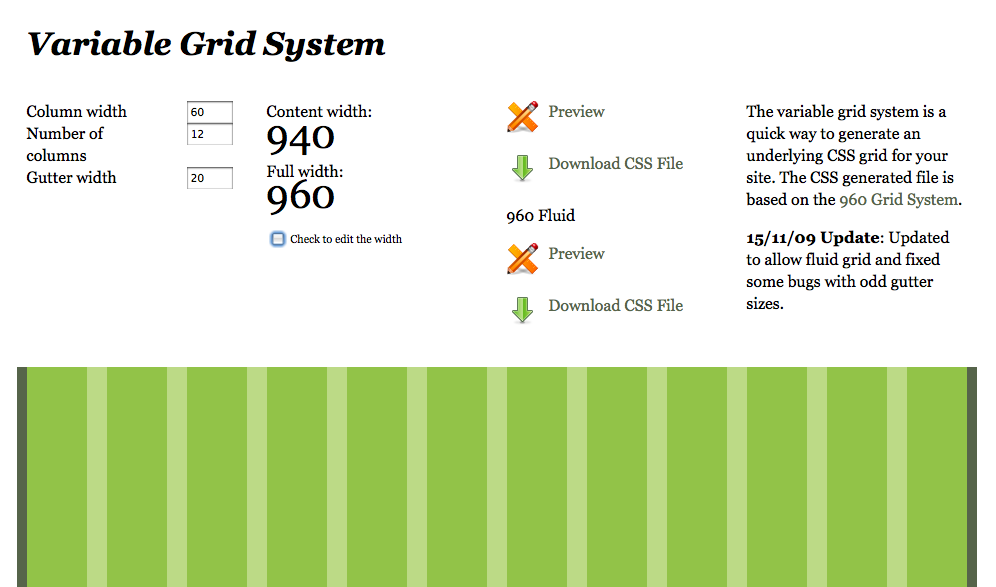
When creating your web site, it is important to create a site that flows in a way that helps to get your message across to your viewer. You have to create something eye-catching, but well designed. Having a solid structure is key. To me CSS is the only way to go for a...
by jamesgeorge | Jul 15, 2010 | Articles, Tutorials, Web Design
There is certainly a lot to consider when laying out your site design. There are so many tools to help you out, and so many methods to get the job done. You really have to consider what your needs are, and which method will help you accomplish them. When I design a...

by jamesgeorge | Jul 14, 2010 | Photoshop, Tutorials
This is a neat trick that is easy and creates a subtle painterly effect with just two filters. First, find an image and open it inside of Photoshop. Then, hit Command +J (Ctrl + J on the PC) to duplicate your background layer. Do this twice, because we are going to...
by jamesgeorge | Jul 12, 2010 | Illustrator, Photoshop, Tutorials, Typography
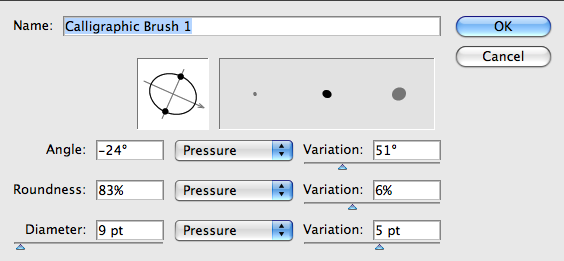
I recently posted a tutorial on the blob brush in Illustrator. Using this tool, you can create some nice hand written effects. First, open up Illustrator and grab the blob brush tool. Go into your brushes panel and create a new brush. I will note that this is much...

