
by jamesgeorge | Oct 28, 2010 | Photoshop, Tutorials, Typography
This tutorial is just in time for Halloween, with an eerie background and 3D text with textures. In Photoshop CS5 the Repousse abilities give you a lot of flexibility, especially with textures, so you can create some really interesting work. This is only available in...
by jamesgeorge | Oct 13, 2010 | Photoshop, Tutorials
This is a great method to get great masks in Photoshop. You can actually have 2 masks on an image at the same time. You can use a vector mask and use a custom shape to mask out an image, creating a clean mask for sharp edges. The pixel mask is great for creating...

by jamesgeorge | Oct 8, 2010 | Photoshop, Tutorials
First, take your image and duplicate the background layer, so you can go back to your original if you need to. Hide the background layer and work from your copy. Go into the channels panel and hold down the command key (CTRL on the PC) and click on the RGB channel to...
by jamesgeorge | Aug 17, 2010 | Articles, Photoshop, Tutorials
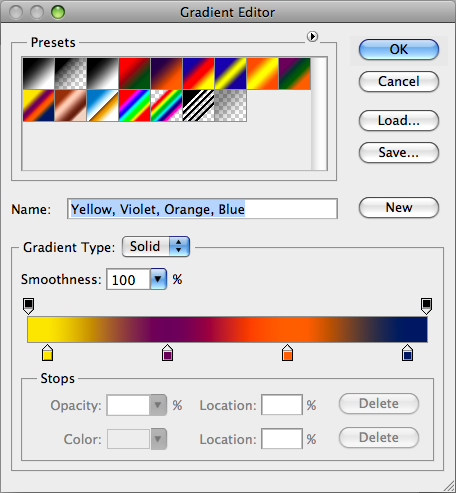
Create a Psychedelic image in Photoshop This is a neat trick that will give you some really interesting and extremely colorful results. To start off, create a new document. It can be any dimension that you want, and click ok. Mine is set at 1024 x 768. Then, create a...
by jamesgeorge | Aug 16, 2010 | Photoshop, Tutorials
Create a 3D Rainbow With the addition of 3D in Photoshop, you can now create dazzling effects without using another program. In this tutorial, you’ll learn how to create a 3D rainbow from scratch, all inside of Photoshop. First, I am starting out with a black...

by jamesgeorge | Jul 29, 2010 | Articles, Design, Photoshop
The other day, I was talking to some friends and colleagues and overheard someone in the background talking about Photoshop. They claimed that they were an incredible graphic designer, because they are incredible with Photoshop. After overhearing this, I asked for a...

