by jamesgeorge | Mar 30, 2010 | Photoshop, Tutorials
Create a new layer and fill it with a color. I chose a rich orange. Then, find a nice textured photo, and size it to fit your document. Desaturate that layer and set the blend mode to overlay. Then, grab your text too and choose a nice bold typeface. I chose Helvetica...
by jamesgeorge | Mar 29, 2010 | Articles, Photoshop, Tutorials
Make Hi-res Custom Brushes in Photoshop We are going to use a shape to create a custom brush. You can take a shape you have made in Illustrator, or you can use a custom shape in Photoshop, or you can paint your own with other brushes in Photoshop. First, create a new...
by jamesgeorge | Mar 25, 2010 | Photoshop, Tutorials
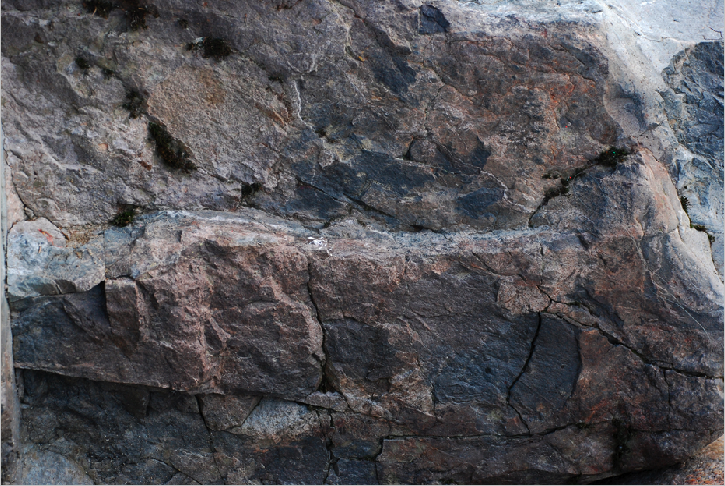
First we are going to open a texture image, such as a rocky background, but you could use anything- a brick wall, a rough surface anything that you’d like. Then, go to Image>Adjustments> Desaturate. Then, do a save as to save the file as a new document and...
by jamesgeorge | Mar 17, 2010 | Photoshop, Tutorials
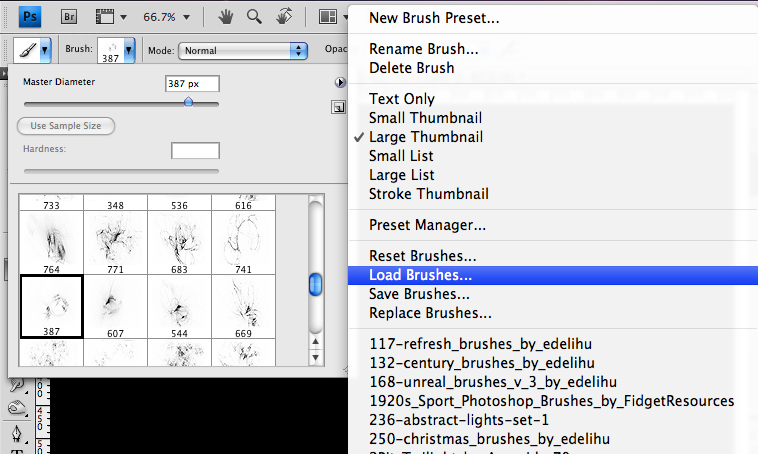
Glow Effects in Photoshop This is really simple to create, and you can apply it to anything that is white. First, create a new Photoshop document. I created one set to the size of 1024 x 768. You can go to any good brush source online, such as Brusheezy and search for...

by jamesgeorge | Mar 7, 2010 | Photoshop, Tutorials, Typography
This tutorial will create a glossy/shiny effect in Photoshop that is real simple, but it better than just plain text. To create this quick type treatment, create a new document in Photoshop. Mine is 600 x 800, but use your own size for your own purposes. Choose a nice...

by jamesgeorge | Feb 16, 2010 | Photoshop, Tutorials
Photoshop Keyboard Quickies Photoshop keyboard shortcuts will save you a lot of time and effort from having to flip through menus and options. You can quickly click a few buttons and perform many different tasks that usually take multiple clicks and a lot of dragging...

