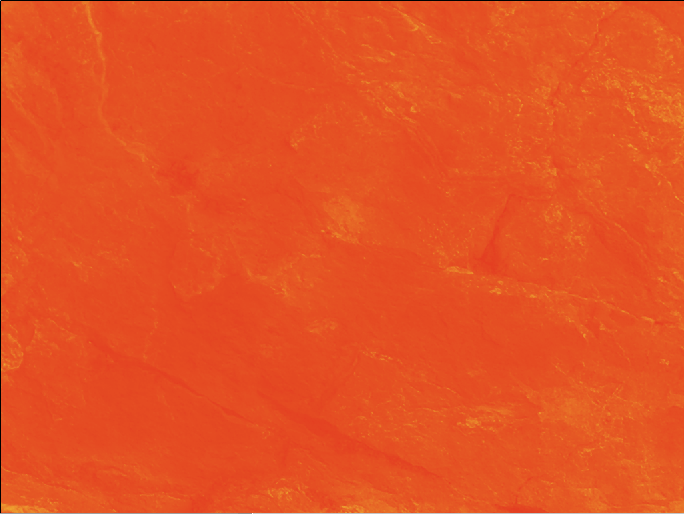
Create a new layer and fill it with a color. I chose a rich orange. Then, find a nice textured photo, and size it to fit your document. Desaturate that layer and set the blend mode to overlay. Then, grab your text too and choose a nice bold typeface. I chose Helvetica...
Design Inspiration
Make Hi-res Custom Brushes in Photoshop
Make Hi-res Custom Brushes in Photoshop We are going to use a shape to create a custom brush. You can take a shape you have made in Illustrator, or you can use a custom shape in Photoshop, or you can paint your own with other brushes in Photoshop. First, create a new...
The First Winner of the Creative Beacon Weekly Design Contest
I had a great time this past week seeing everyone's entries. Tons of work poured in that was absolutely marvelous. There can only be one winner per week, though, and one group's work stood out amongst the crowd this week. Steve Miceli from Miceli Studios submitted his...
Wrapping Images to a Texture
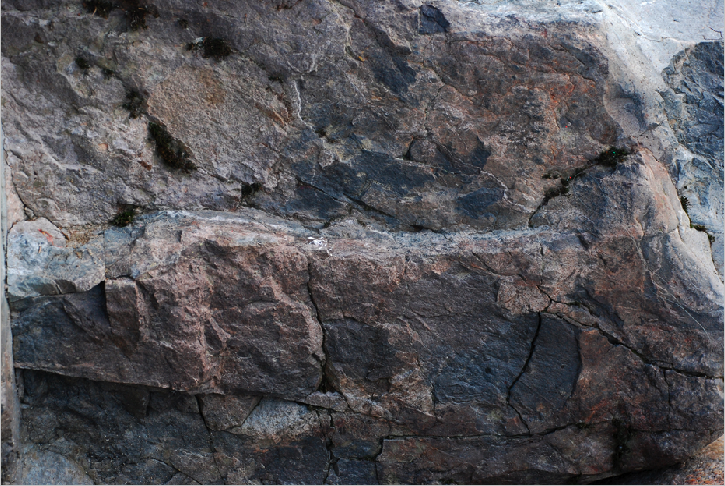
First we are going to open a texture image, such as a rocky background, but you could use anything- a brick wall, a rough surface anything that you'd like. Then, go to Image>Adjustments> Desaturate. Then, do a save as to save the file as a new document and make...
Transforming in Perspective in Illustrator
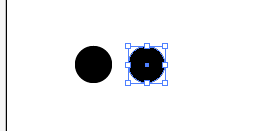
In this tutorial, I am going to show you how to transform an object in perspective in Illustrator. This is extremely handy when trying to make a pattern fit a certain perspective. First, we are going to create a simple circle pattern. Select your ellipse tool, holding...
No Results Found
The page you requested could not be found. Try refining your search, or use the navigation above to locate the post.