by jamesgeorge | Mar 29, 2010 | Articles, Photoshop, Tutorials
Make Hi-res Custom Brushes in Photoshop We are going to use a shape to create a custom brush. You can take a shape you have made in Illustrator, or you can use a custom shape in Photoshop, or you can paint your own with other brushes in Photoshop. First, create a new...
by jamesgeorge | Mar 25, 2010 | Photoshop, Tutorials
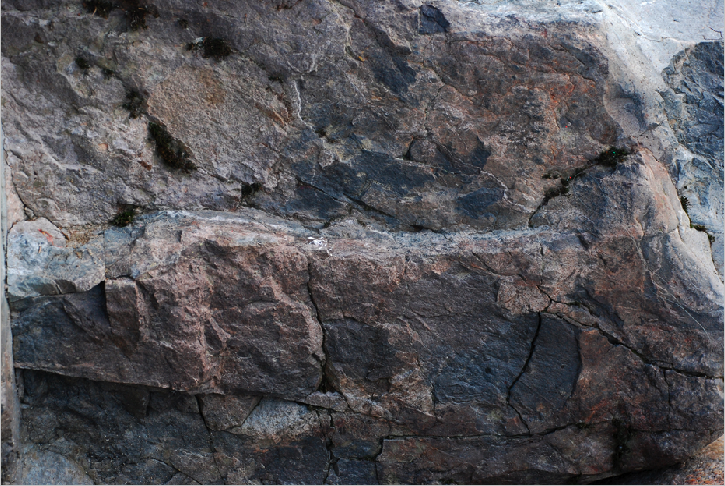
First we are going to open a texture image, such as a rocky background, but you could use anything- a brick wall, a rough surface anything that you’d like. Then, go to Image>Adjustments> Desaturate. Then, do a save as to save the file as a new document and...
by jamesgeorge | Mar 23, 2010 | Illustrator, Tutorials
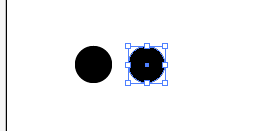
In this tutorial, I am going to show you how to transform an object in perspective in Illustrator. This is extremely handy when trying to make a pattern fit a certain perspective. First, we are going to create a simple circle pattern. Select your ellipse tool, holding...
by jamesgeorge | Mar 22, 2010 | Illustrator, Tutorials
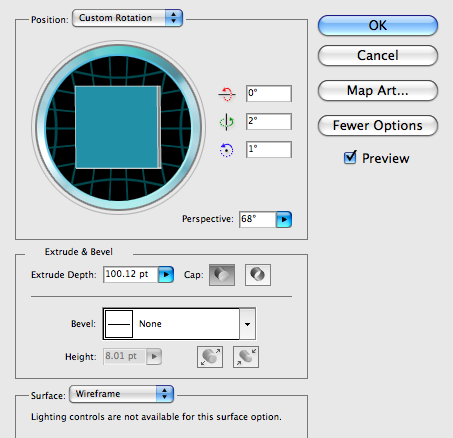
3D Electric Type This tutorial uses Illustrator and Photoshop to create 3D electric type, quickly and fairly easily. First open a new Illustrator document and pick a nice bold typeface. I chose Helvetica Black and the text is set to 225pt and the color is set to a...

by jamesgeorge | Mar 20, 2010 | Illustrator, Tutorials
Today we are going to use the extrude and bevel options under the 3D menu in effects. You can use a simple default setting, or we will show you how to play with the settings to get a unique and more dimensional look that might fit your application better. Start by...
by jamesgeorge | Mar 18, 2010 | Tutorials
The 3D option in Illustrator is a great tool for rendering quick 3-Dimensional shapes for your design work. First we are going to make a solid vase shape. Then, we are going to edit it to make it a hollow 3D vase, so you can see how to do a live edit on a vector 3D...

