by jamesgeorge | Apr 30, 2010 | Photoshop, Tutorials
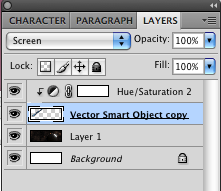
Different Blend modes can help you to blend different objects together for compositing images. Recently, I was playing around with a few space images and came across a comet that I wanted to blend into a space background. This was quick and easy: Since the background...
by jamesgeorge | Apr 9, 2010 | Articles, Typography
This is a list of 10 quality serif fonts that you will find in most professional graphic design work. These are all found in body copy of books and magazines. They are all beautiful and elegant for their own reasons. They all come in different weights and italics,...
by jamesgeorge | Apr 5, 2010 | Articles, Inspiration, Typography
11 Quality Fonts to Use in Your Professional Design Work Quality fonts make your work look much better than using free novelty fonts. Granted, there are some really well-crafted fonts out there for free now. However, if you are looking for high quality fonts for your...
by jamesgeorge | Apr 3, 2010 | Photoshop, Tutorials
This is a great way to take a still photo and create motion around your subject, to give it some extra depth and narrower focus on the subject. First, select a good action shot, such as a sports shot, or a car shot. First, duplicate the background layer, so that we...
by jamesgeorge | Apr 3, 2010 | Illustrator, Tutorials
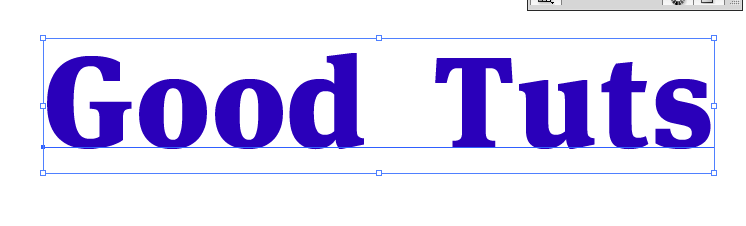
Creating a dotted line stroke in Illustrator First, create a new document in Illustrator. I created one 1024 x 768. Then, select a typeface that you want to use and create a nice large word or couple of words. For our purposes, I am taking away the fill to see the...
by jamesgeorge | Mar 30, 2010 | Photoshop, Tutorials
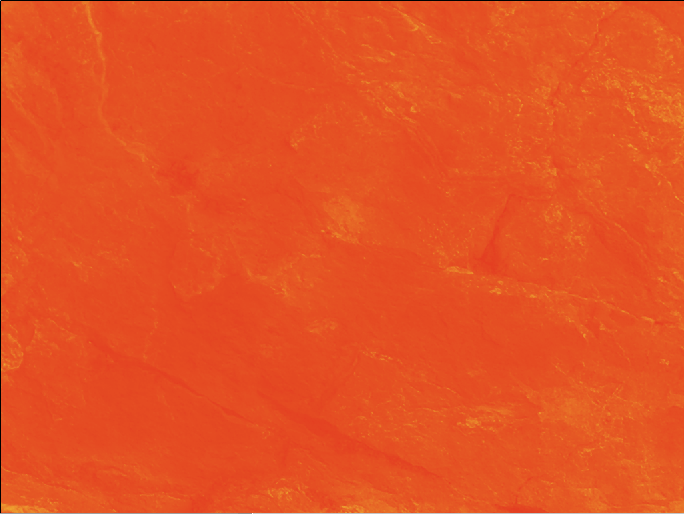
Create a new layer and fill it with a color. I chose a rich orange. Then, find a nice textured photo, and size it to fit your document. Desaturate that layer and set the blend mode to overlay. Then, grab your text too and choose a nice bold typeface. I chose Helvetica...

