Adobe

Creative Contrast With a Background Blur

Creative Contrast With a Background Blur

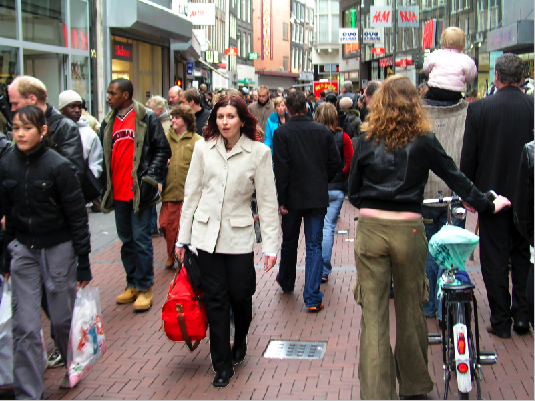
This tutorial is great for adding quick and simple contrast to a photo. When using this in your design, it is a good idea to choose a subject that has to do with target market. To start, find a photograph with a main figure of subject in the middle, with a lot going...

read more

Equipment: does it really make our designs any better?

There have been so many times where I have been talking to colleagues and other digital artists and I have heard them say "I am saving up for a new Apple Macbook Pro", or "I am saving up to build a new super PC, I will be able to design much better on a faster...

read more

My Take on Steve Jobs and Flash

I am sure that everyone has heard the buzz going on around the internet with Steve Jobs not supporting Flash on Apple devices. I have gotten dozens of emails asking my take on this issue, which I will address. While I am not an avid animator, I certainly understand...

read more

Quickly Remove Background Imagery in Photoshop

Remove Background I do a lot of image editing, especially since I work on a lot of catalogs. I have companies that send in all sorts of images, including ones that are shot professionally on a white background in a studio, and those that are shot in bad lighting and...

read more
Places to Go for Inspiration and Self Reflection

Places to Go for Inspiration and Self Reflection

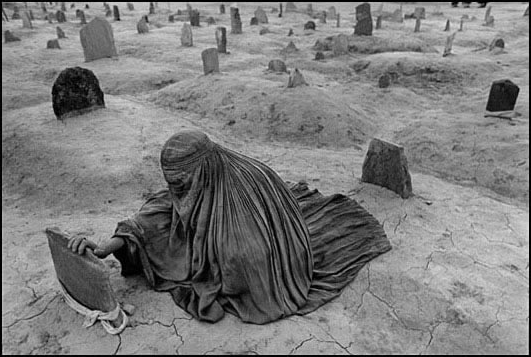
Some of these sites will inspire us as designers, artists, and photographers. Others will make us think about how we are all responsible for our actions, and how what we do can make a huge impact. WITNESS DAVID B. REEVES FERIC BENJAMIN KRAIN CHRIS BUZELLI CATH RILEY...

read more

Create a cool motion effect from a still shot in Photoshop

This is a great way to take a still photo and create motion around your subject, to give it some extra depth and narrower focus on the subject. First, select a good action shot, such as a sports shot, or a car shot. First, duplicate the background layer, so that we...

read more
Dotted Stroke in Illustrator

Dotted Stroke in Illustrator

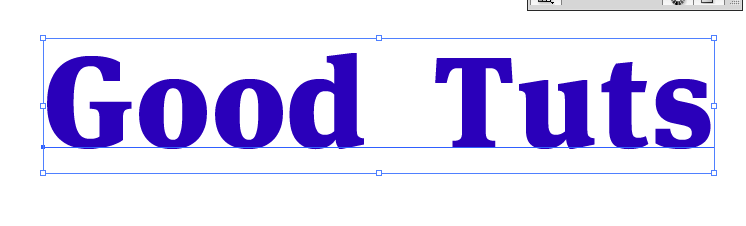
Creating a dotted line stroke in Illustrator First, create a new document in Illustrator. I created one 1024 x 768. Then, select a typeface that you want to use and create a nice large word or couple of words. For our purposes, I am taking away the fill to see the...

read more
Create an Inlaid Text Effect in Photoshop.

Create an Inlaid Text Effect in Photoshop.

Create a new layer and fill it with a color. I chose a rich orange. Then, find a nice textured photo, and size it to fit your document. Desaturate that layer and set the blend mode to overlay. Then, grab your text too and choose a nice bold typeface. I chose Helvetica...

read more
Make Hi-res Custom Brushes in Photoshop

Make Hi-res Custom Brushes in Photoshop

Make Hi-res Custom Brushes in Photoshop We are going to use a shape to create a custom brush. You can take a shape you have made in Illustrator, or you can use a custom shape in Photoshop, or you can paint your own with other brushes in Photoshop. First, create a new...

read more

Adobe Announces Launch of CS5

We've all been waiting to see what Adobe would come up with next. well now it's coming. Adobe CS5! I went to take a sneak peek at what's in store for us, and just the one video I watched had me so excited I had to let everyone know to come check it out. Be sure to go...

read more