When creating your web site, it is important to create a site that flows in a way that helps to get your message across to your viewer. You have to create something eye-catching, but well designed. Having a solid structure is key. To me CSS is the only way to go for a...
Photoshop
This week’s places to go for inspiration #8
ARA IS ME WOOSTER COLLECTIVE DRAW CALIBER JANNIKE VIVEKA SOMEFIELD SPECTRA LOGO DESIGN LOVE DYSTEN
Web Site Design: Choose Your tools Wisely
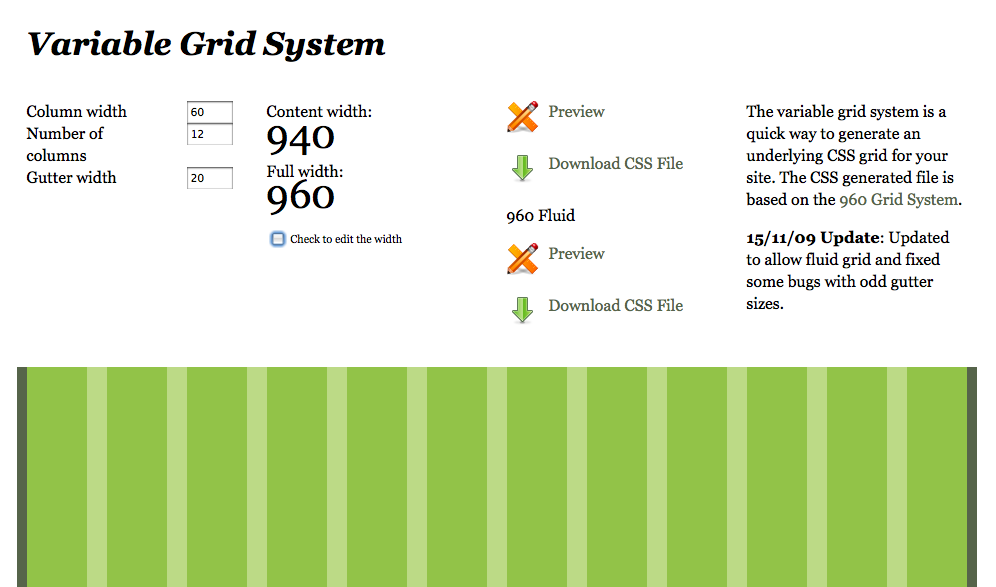
There is certainly a lot to consider when laying out your site design. There are so many tools to help you out, and so many methods to get the job done. You really have to consider what your needs are, and which method will help you accomplish them. When I design a...
Create a Painterly Effect Easily In Photoshop
This is a neat trick that is easy and creates a subtle painterly effect with just two filters. First, find an image and open it inside of Photoshop. Then, hit Command +J (Ctrl + J on the PC) to duplicate your background layer. Do this twice, because we are going to...
How to Design a Business Card
A reader adamantly requested that I create this tutorial, so I am going to run through the basics of creating your own business card. First, you need to gather all of the information that you need for your card. You will need your company logo, your name, your...
Sharpening Using the High pass Filter
This is a really quick and easy way to sharpen an image. Take an image and open it in Photoshop. Hit command +J (control+J on PC) to duplicate the layer. Then, change this layer's blend mode to overlay in the layers panel. Then go to Filter>Other>High Pass and a...
Design Laws: Part Two
Proximity- This has to do with items that are close together. You can change the meaning of a design based on what elements are placed close together. If there are multiple groups, they are divided visually depending on which elements are close to each other, and...
Adobe Launches Lightroom 3
Professional photographers and image editors alike will rejoice in knowing that Adobe has released Lightroom 3. Lightroom 3 has been given a lot of new enhancements to make cataloging your images much easier. Not only can you make quality adjustments to your images,...
Is There a Limit to How Much We Can Do?
I was having a discussion with a colleague the other day about design and all the things that we know how to do. The topic came up where he found out that i don't know ajax, which I admittedly, don't even know exactly what that does. My response to him was that I am a...
Creative Contrast With a Background Blur
This tutorial is great for adding quick and simple contrast to a photo. When using this in your design, it is a good idea to choose a subject that has to do with target market. To start, find a photograph with a main figure of subject in the middle, with a lot going...
Crop One Large Photo Creatively to Create Multiple photos for a Design
When we are designing a layout, sometimes it can be difficult and time consuming to find multiple images for a layout that will work together and create a sense of unity to our design. There are so many resources available, such as the stock photography web sites, or...
This Weeks set of creative inspiration
This week is filled with beautiful photography, illustration, and fantastic paintings. One of my personal favorites is the one where the alphabet is beautifully painted throughout a city. I personally love expressive and beautiful ways that people paint or illustrate...
Quickly Remove Background Imagery in Photoshop
Remove Background I do a lot of image editing, especially since I work on a lot of catalogs. I have companies that send in all sorts of images, including ones that are shot professionally on a white background in a studio, and those that are shot in bad lighting and...
Places to Go for Inspiration and Self Reflection
Some of these sites will inspire us as designers, artists, and photographers. Others will make us think about how we are all responsible for our actions, and how what we do can make a huge impact. WITNESS DAVID B. REEVES FERIC BENJAMIN KRAIN CHRIS BUZELLI CATH RILEY...
Using the Screen Blend Mode in Photoshop
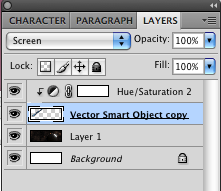
Different Blend modes can help you to blend different objects together for compositing images. Recently, I was playing around with a few space images and came across a comet that I wanted to blend into a space background. This was quick and easy: Since the background...
Create a cool motion effect from a still shot in Photoshop
This is a great way to take a still photo and create motion around your subject, to give it some extra depth and narrower focus on the subject. First, select a good action shot, such as a sports shot, or a car shot. First, duplicate the background layer, so that we...
Create an Inlaid Text Effect in Photoshop.
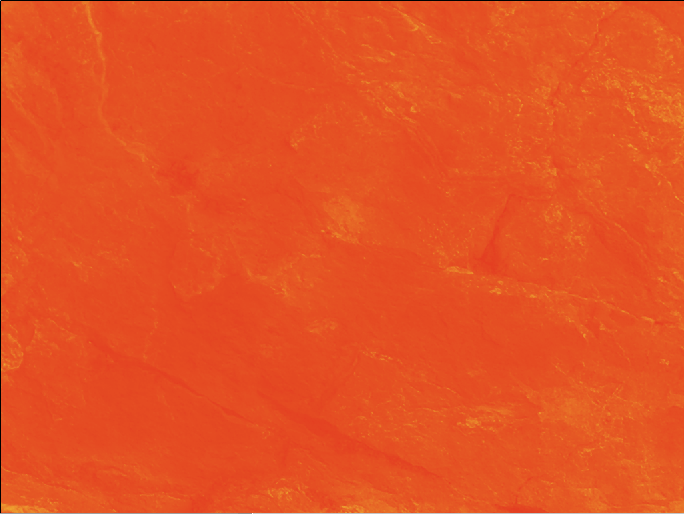
Create a new layer and fill it with a color. I chose a rich orange. Then, find a nice textured photo, and size it to fit your document. Desaturate that layer and set the blend mode to overlay. Then, grab your text too and choose a nice bold typeface. I chose Helvetica...
Make Hi-res Custom Brushes in Photoshop
Make Hi-res Custom Brushes in Photoshop We are going to use a shape to create a custom brush. You can take a shape you have made in Illustrator, or you can use a custom shape in Photoshop, or you can paint your own with other brushes in Photoshop. First, create a new...
Wrapping Images to a Texture
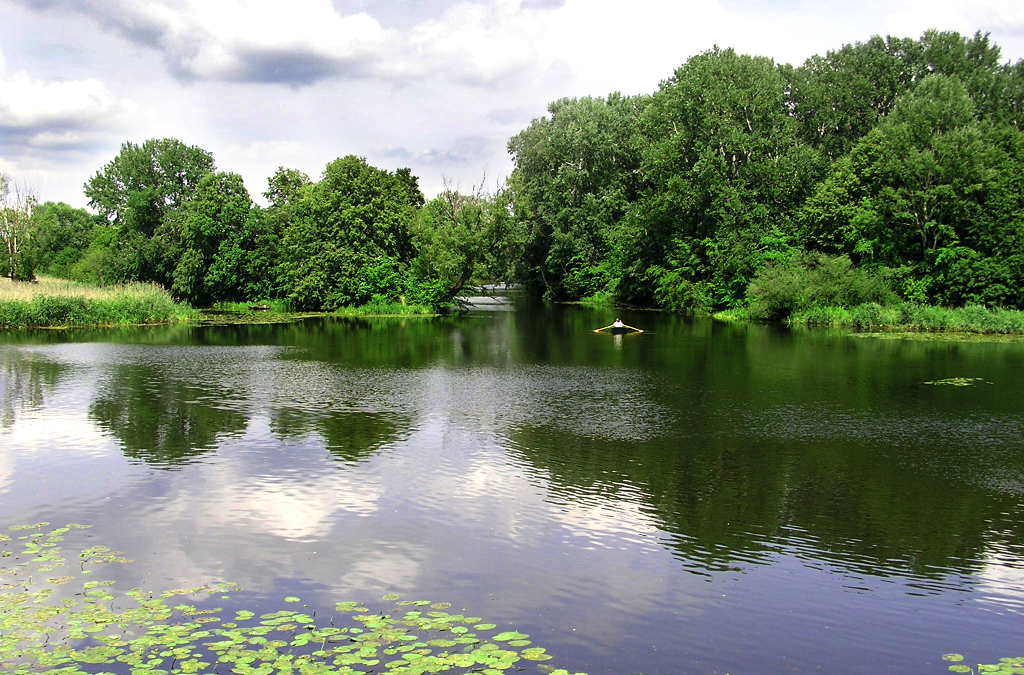
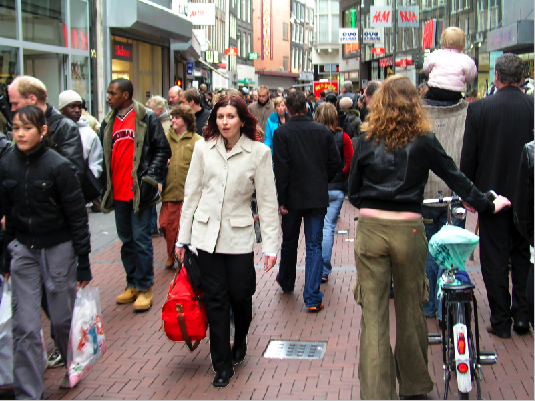
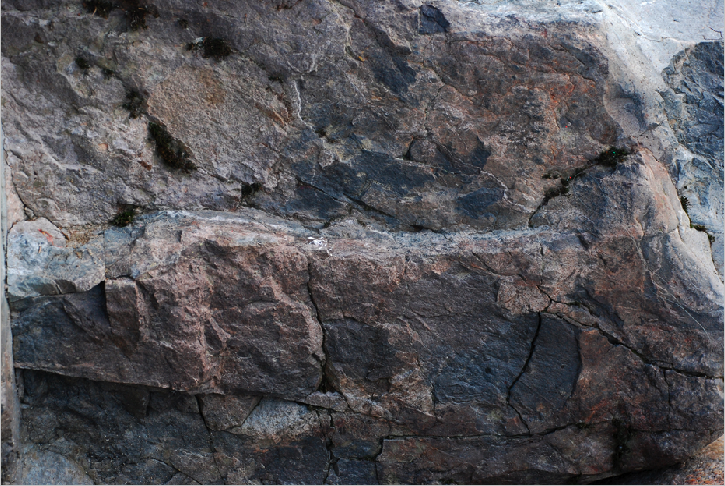
First we are going to open a texture image, such as a rocky background, but you could use anything- a brick wall, a rough surface anything that you'd like. Then, go to Image>Adjustments> Desaturate. Then, do a save as to save the file as a new document and make...
Colorful custom glow effects in Photoshop
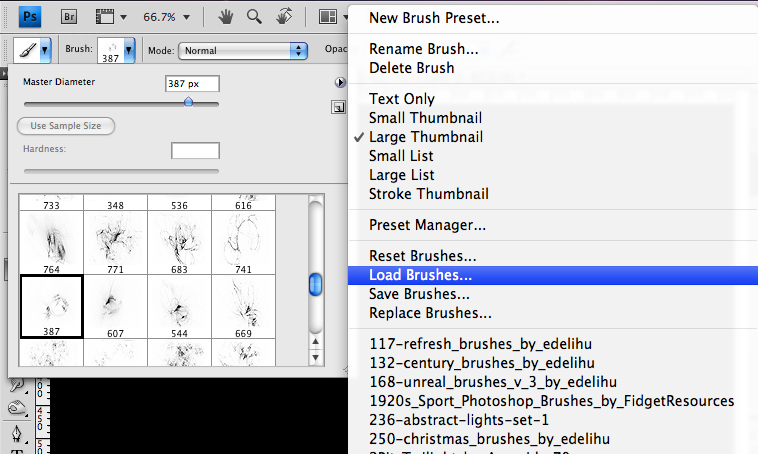
Glow Effects in Photoshop This is really simple to create, and you can apply it to anything that is white. First, create a new Photoshop document. I created one set to the size of 1024 x 768. You can go to any good brush source online, such as Brusheezy and search for...